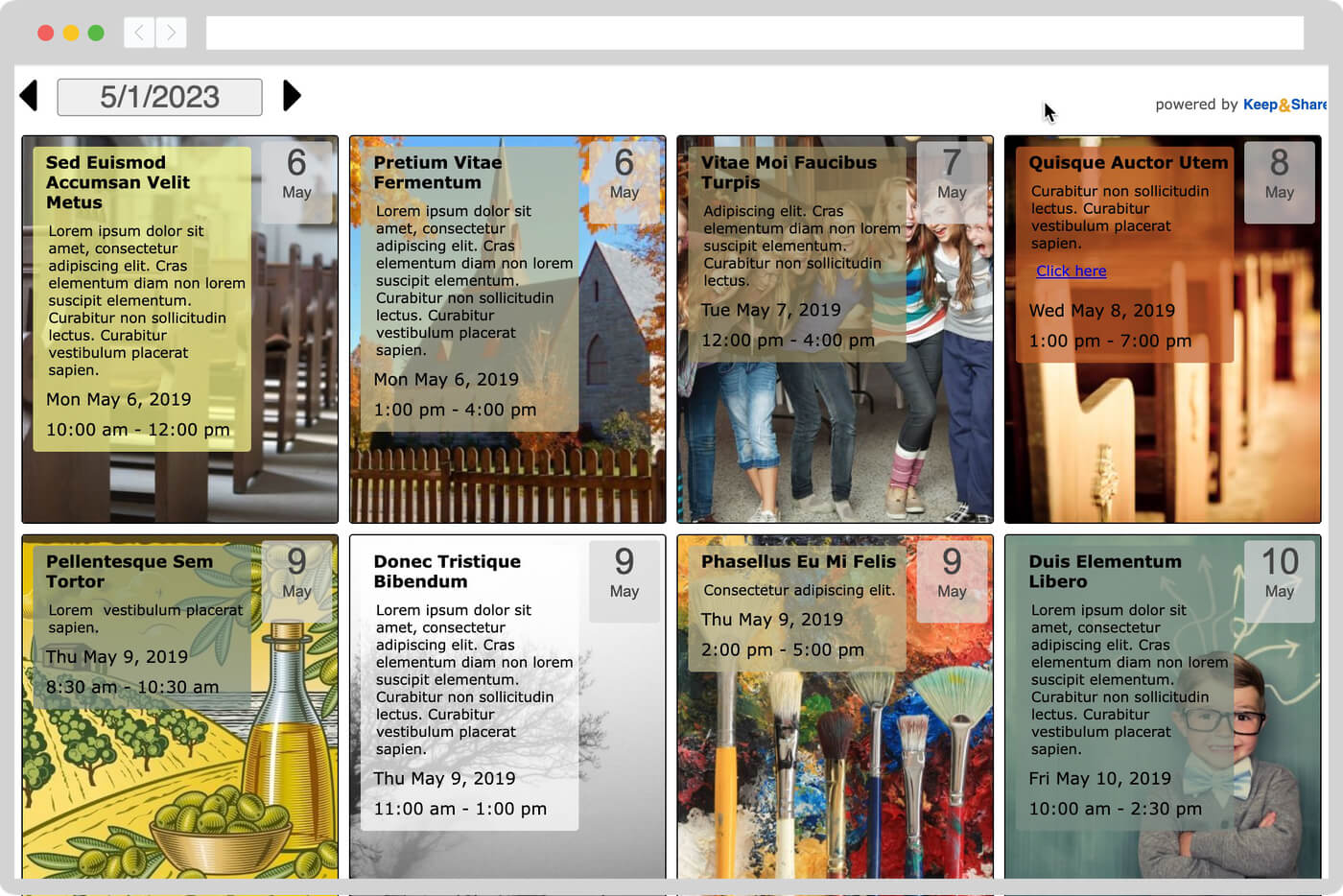
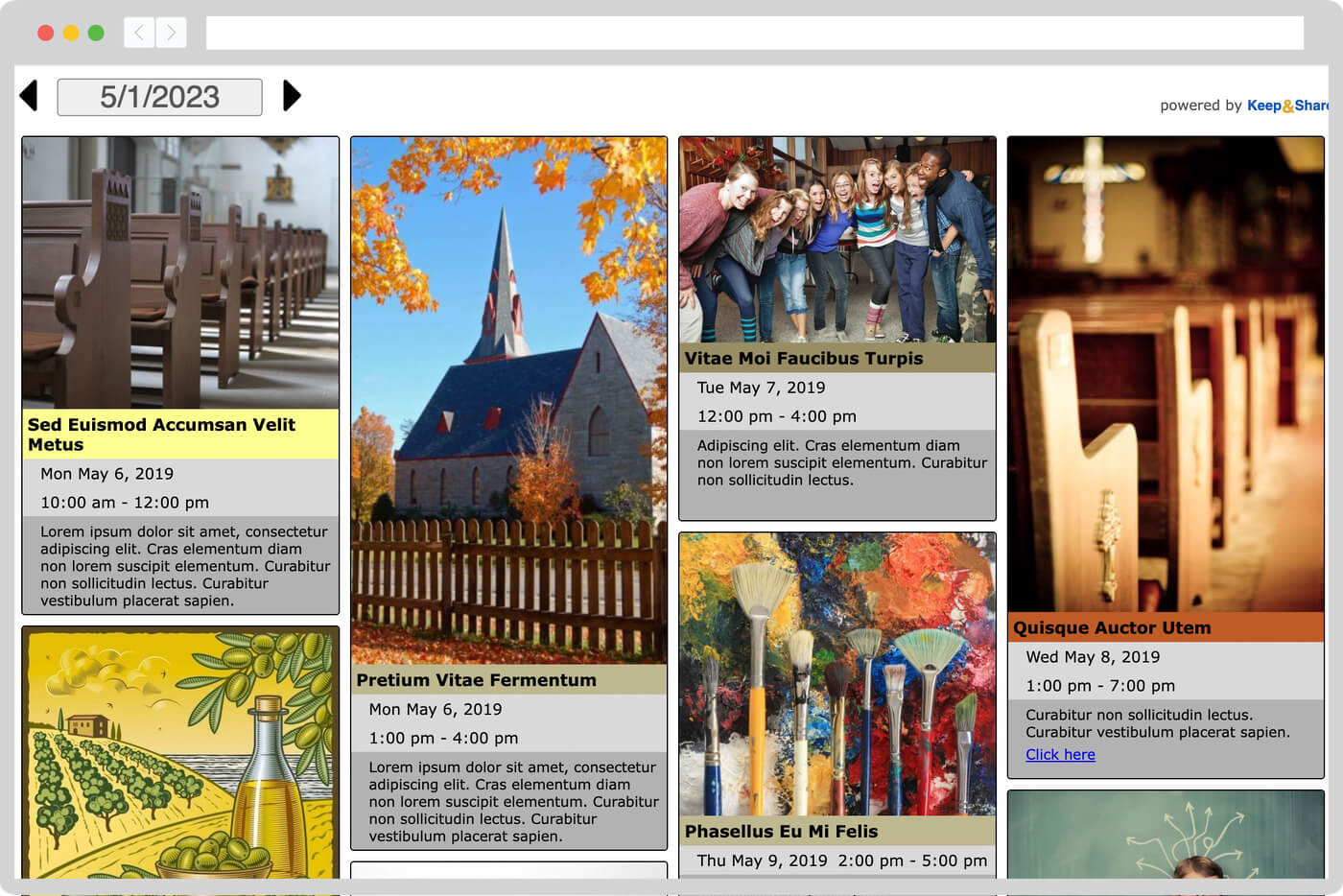
Share your upcoming events with visitors by adding a calendar to your website. It takes minutes and no coding knowledge required.


Our embedded calendars are fully customizable. Choose your colors and add your branding so that it seamlessly blends with your website.
We offer responsive calendars so that it looks good whether it's viewed from a computer, a tablet, or a smartphone. They work great at all browser sizes!
Choose to show a full calendar or only upcoming events. With dozens of layouts to choose from, find the style of calendar that fits your website best.
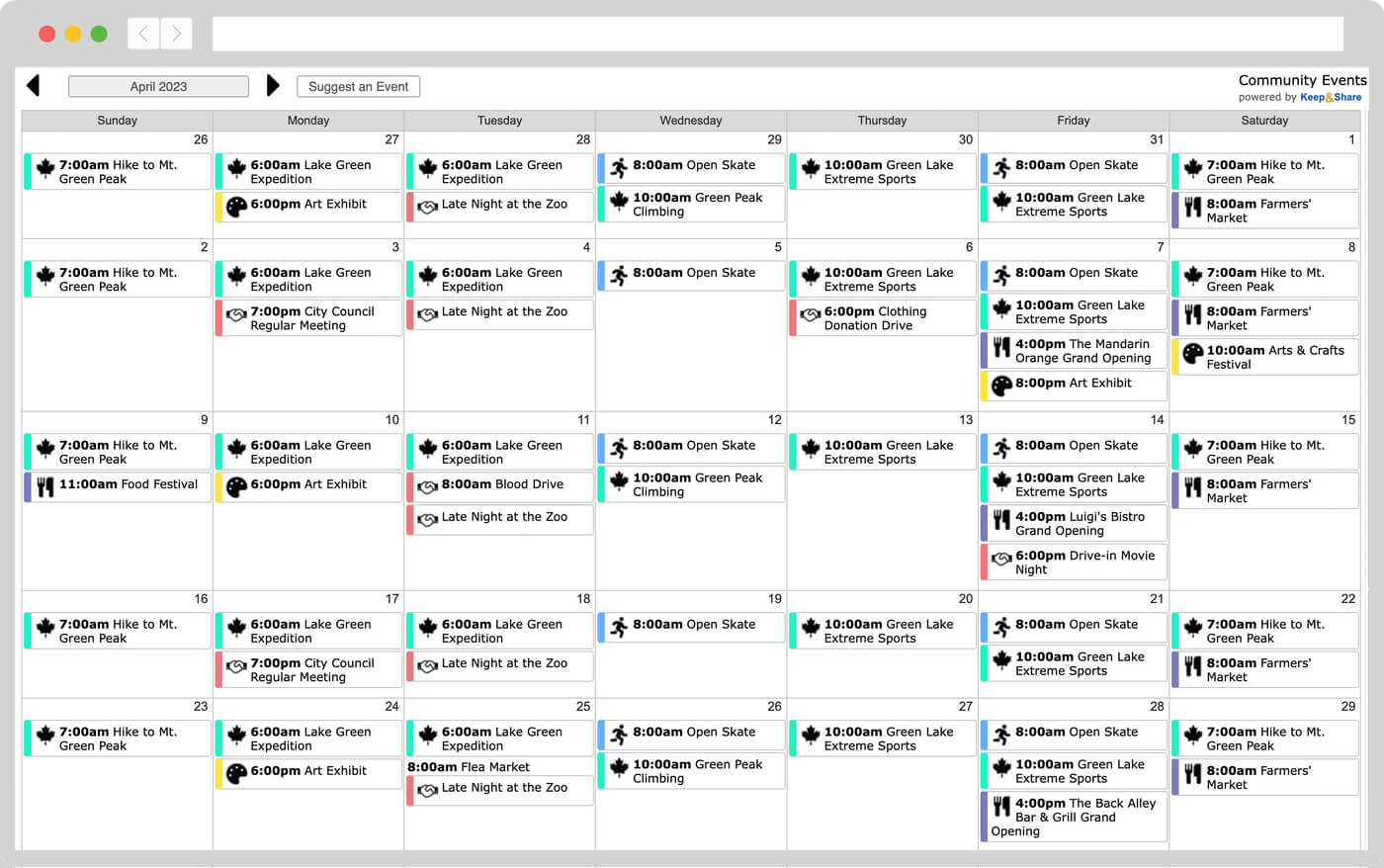
Schedule all types of repeating services. Events can last multiple days, repeat every day, week, month, or year — or even on advanced schedules like the first Friday of the month, biweekly, 3 days a week, and more.
Make your calendar changes, preview how it will look on your website, and we will automatically create the embed code you copy and paste into the HTML section of your website.
Once the calendar iFrame is embedded, you can log into your Keep&Share account to update events, notes, etc. Changes are instantly reflected in all embedded calendars, without having to re-embed the code.
Use event tags to color-code your events and to allow your visitors to filter your events by type, location, room, and more.
Attach maps, documents, photos, discussions, and lists directly to events so they're always easy to find.
Our calendars are extremely secure — no one can edit them without your permission.
Our top-notch support team is there to help you every step of the way and answer any questions.
Embedded calendars use 100% standard HTML "iFrames" ‐ meaning any webpage that uses HTML supports Keep&Share calendars. Whether it's your Wordpress page or GoDaddy website, your development tools and code will work with Keep&Share.
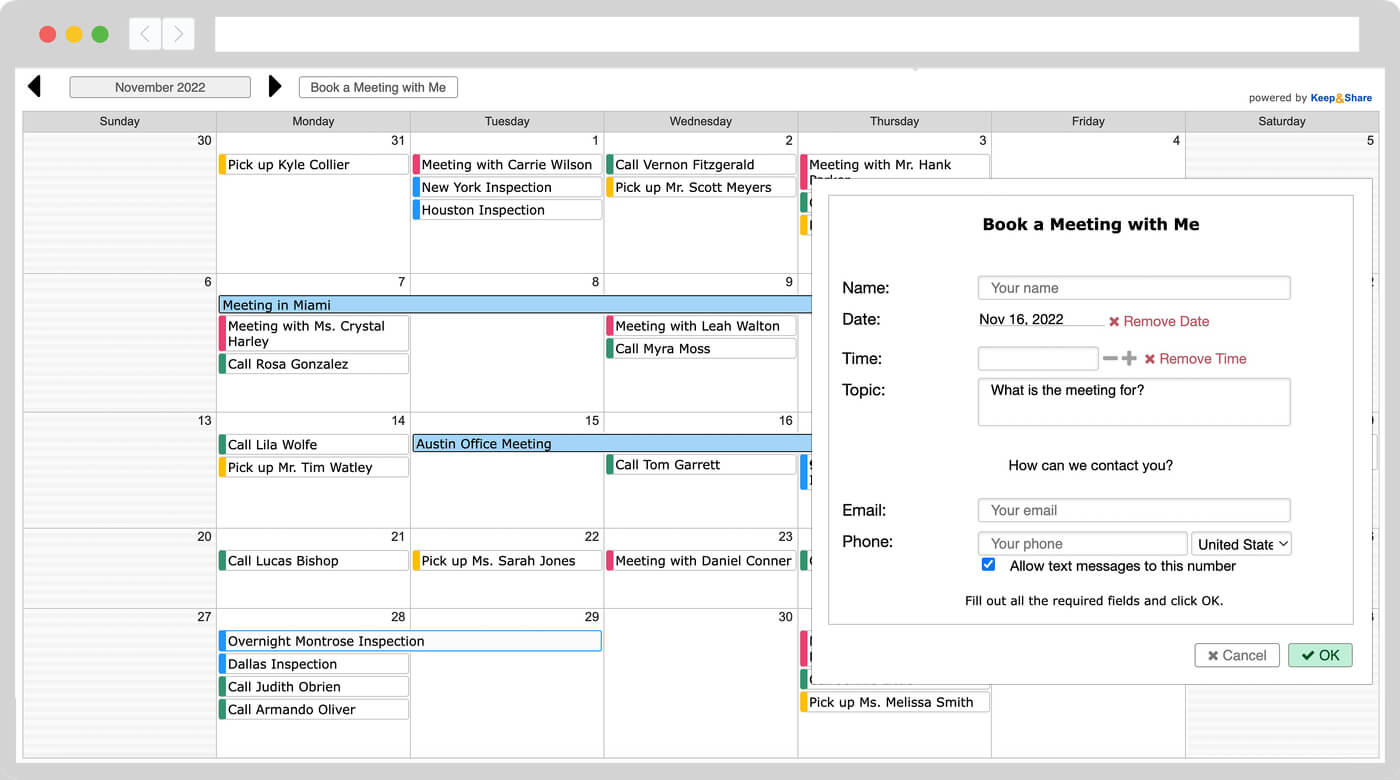
Use our "Self-Book" add-on feature to turn your calendar into an online booking system. Visitors can self-book appointments and meetings, make reservations, buy tickets to classes, suggest additional events, and more.
You can accept payments through PayPal, customize the signup forms, send appointment reminders and confirmations, and manage all of your bookings from one easy location.
"The Keep&Share calendar exceeds everything I had hoped to find in a calendar product. It works seamlessly with our Word Press website. It offers endless possibilities with design. It has the ease and formatting options of word processing. The customer support given by Keep&Share is superb. Absolutely stellar."
"I do not know HTML or CSS or any sort of programming, and yet I was able to fully customize a calendar that, as a graphic designer, I am proud to incorporate into our website."
"GoDaddy did not offer an event calendar function, but, as I was talking to one of their nice help desk people, she suggested I use your calendar and embed the html in their web builder tool. Thank you kindly help desk lady! Great recommendation!"
I really like how easy to use the calendar is, how you can include a note with all sorts of info about each event, how you can attach websites for each event, how flexible it is. I just flat LIKE it."