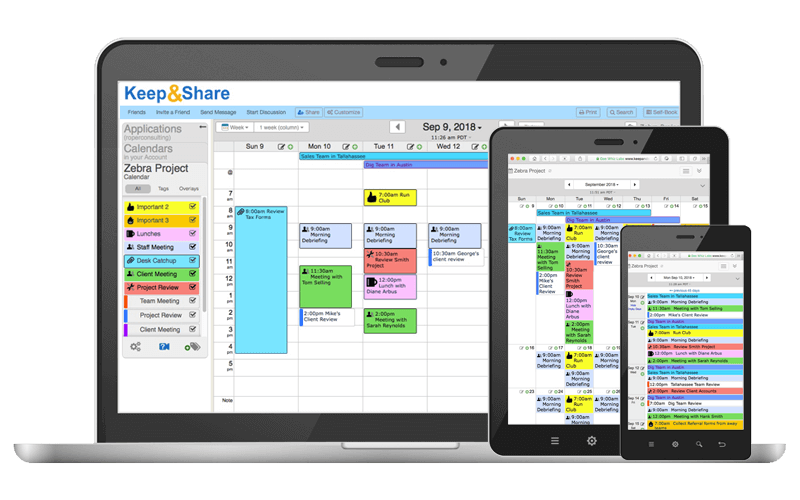


You can log-in to your account and see or edit the latest version of your online calendar from any device with internet — desktop, laptop, tablet, or smartphone! The specially-designed mobile site is optimized for small screens.
Choose from our default event text colors and highlights, or choose your own custom event colors. Event Tags and custom color themes help you color-code activities, appointments, and holidays.
Invite others to view your calendar, whether or not they have a Keep&Share account. Share your calendar privately or publicly.
Never miss another appointment & set up automatic email and/or text reminders for any of your events. You can also set up default event reminders so that all of your events will automatically have a reminder.
Add pages of notes with rich-text formatting to your events. These notes are added as a link to your event that you can click on for more information.
You and your team can be alerted automatically of any changes made to appointments, events, or assignments in your calendar. Get notifications by email or text message.
Automatically receive an email of your calendar whenever you want, including as much of your calendar as you want. This makes it easy to review your events for the day or week. You can also email your calendar to others.
Your Keep&Share calendar prints beautifully with many more printing options than most online calendars offer, including multiple views (Day, Week, Month, Year).
We offer 5 different calendar views so that you have maximum flexibilty on how to display your events. You can:
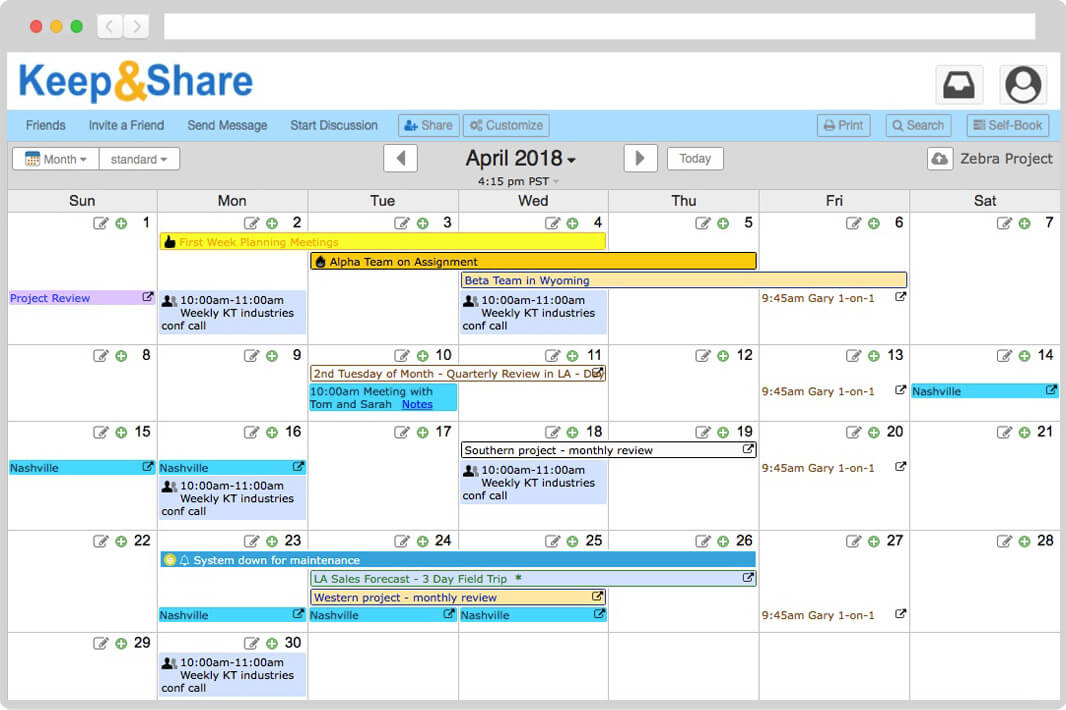
Month View
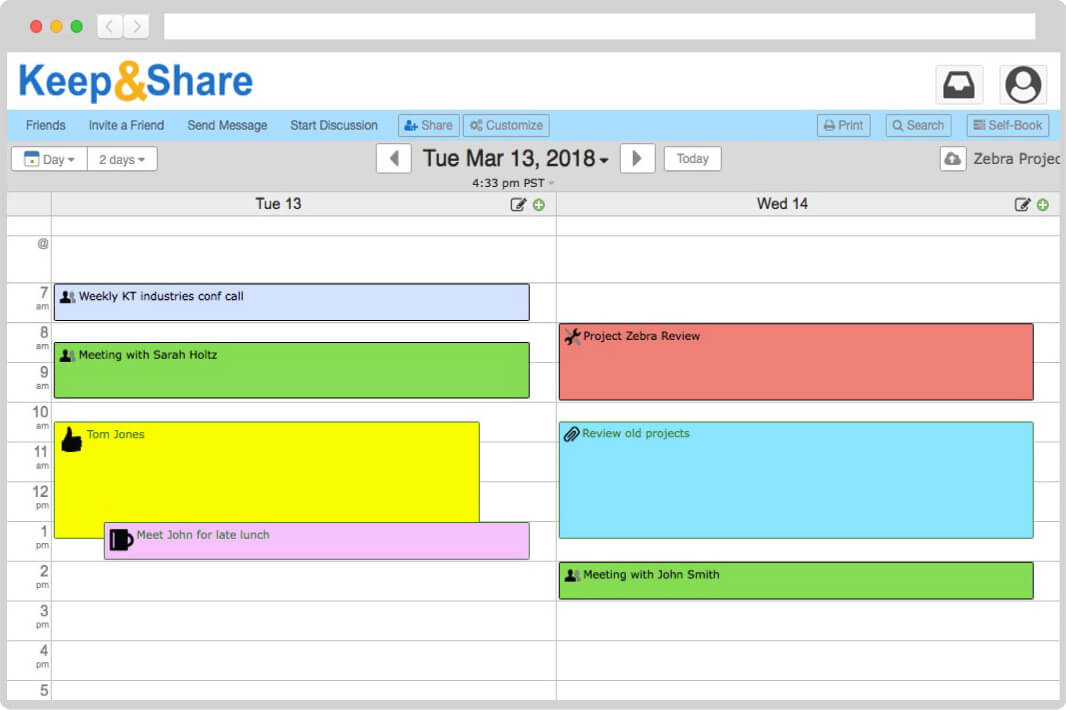
Day View
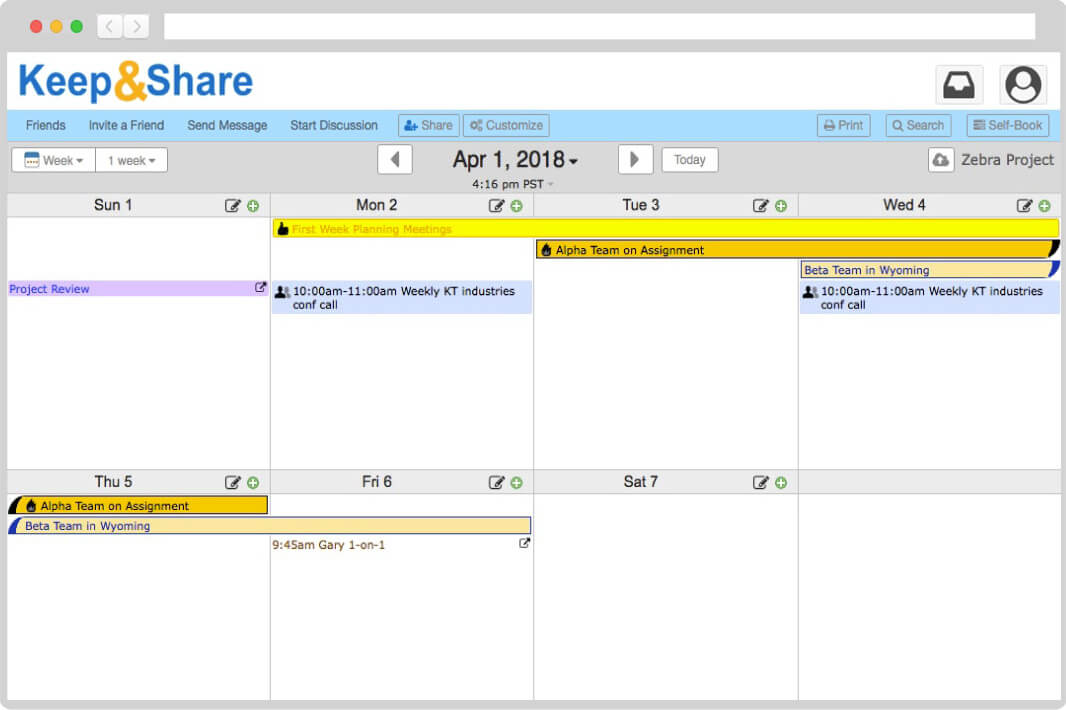
Week View
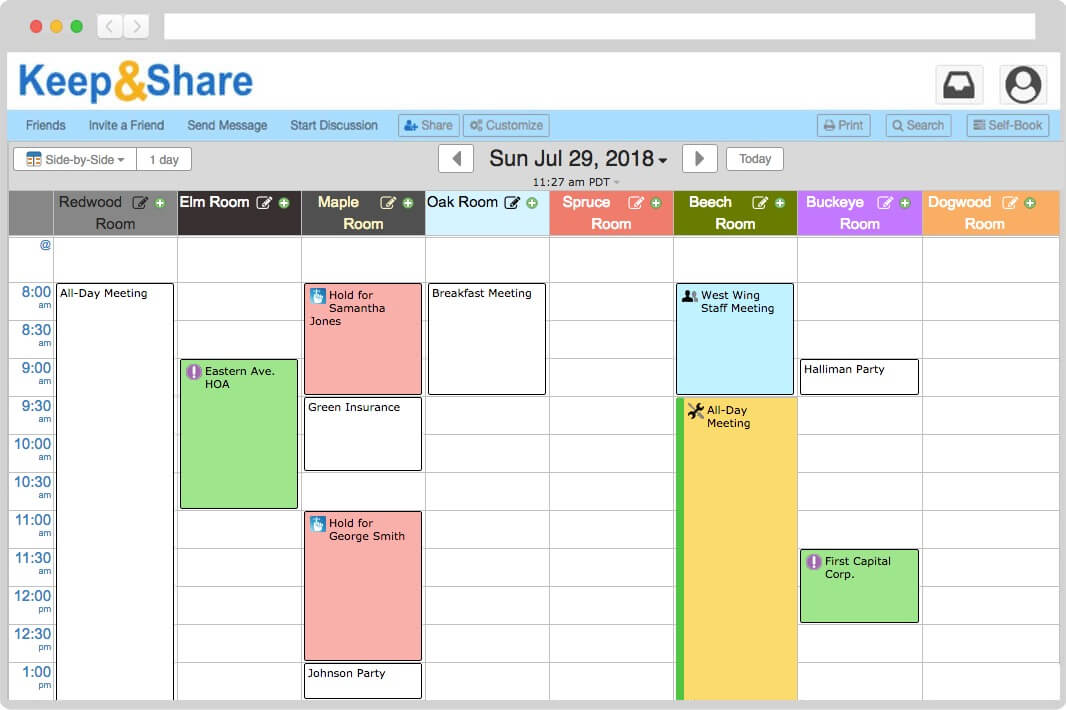
Side-by-Side View
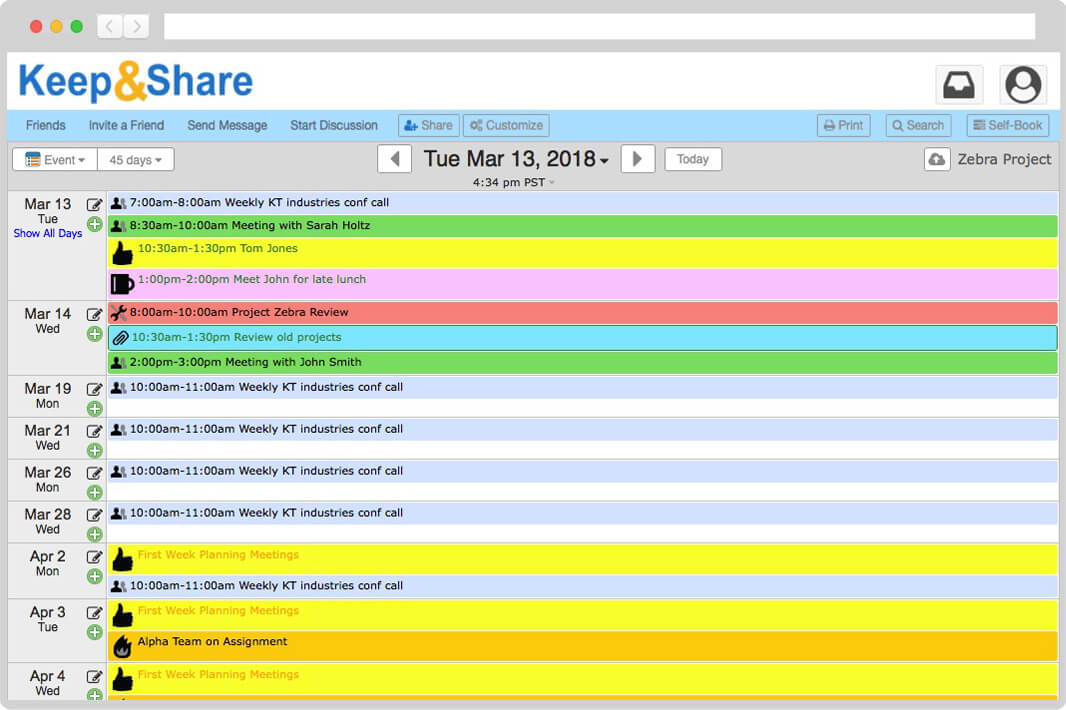
Event View
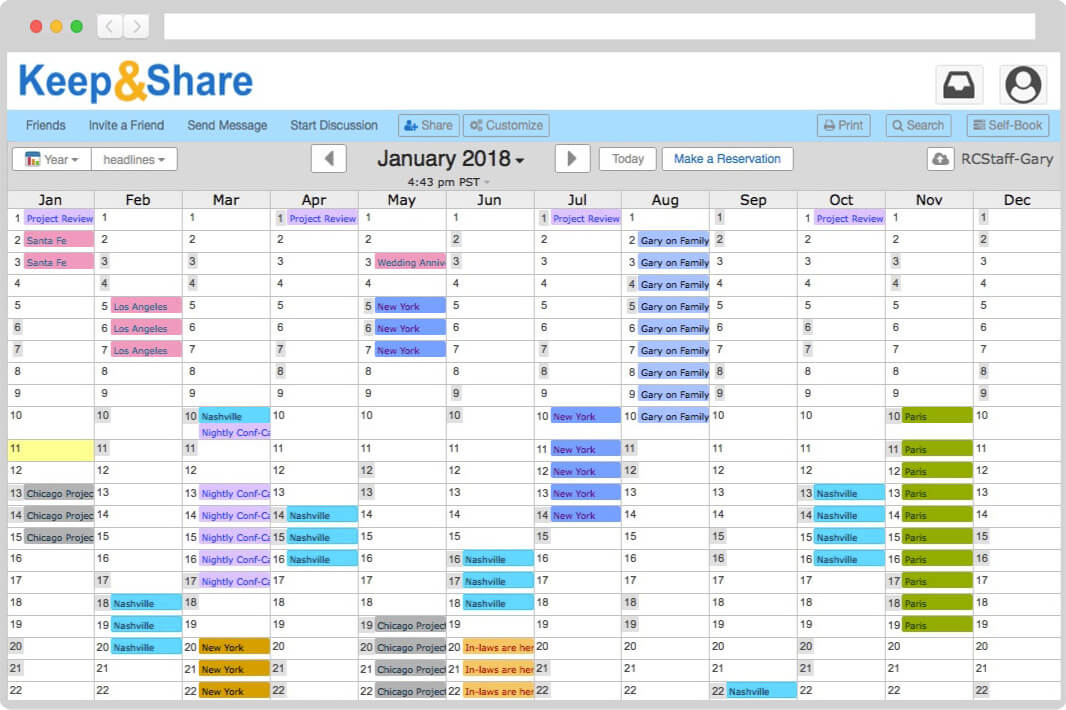
Year View
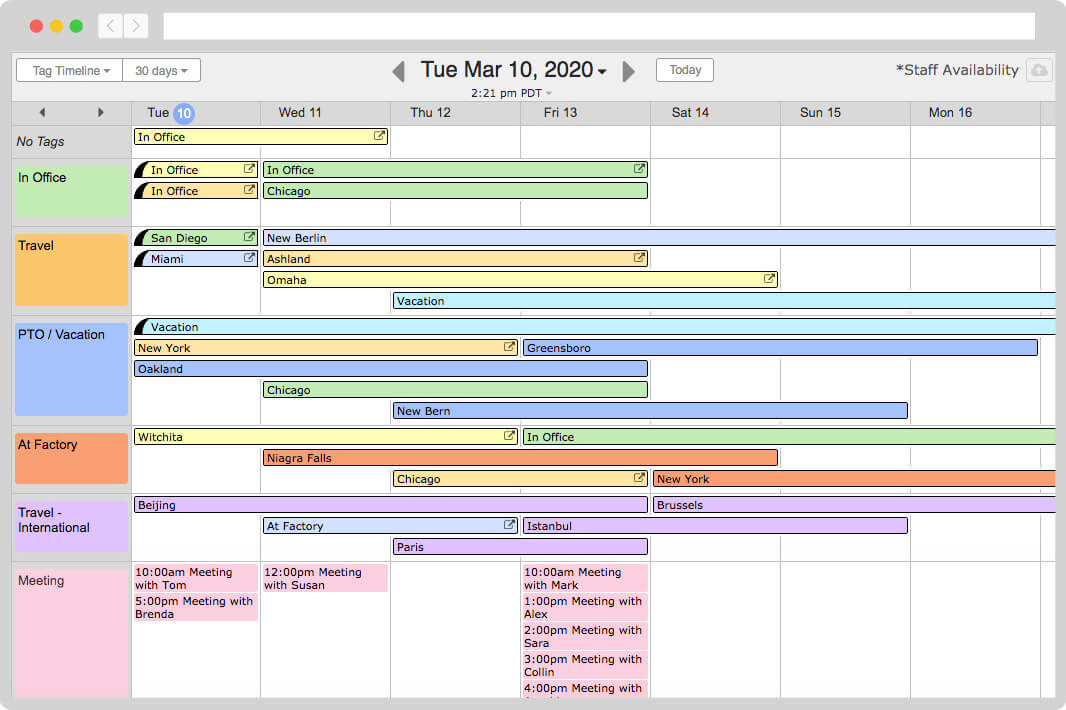
Tag Timeline View
Create events that last multiple days and can repeat every day, week, month, or year — or even on advanced schedules like the first Friday of the month, biweekly, 3 days a week, and more. They can repeat forever, or until a specific end-date.
Never hunt for the information you need. Attach photos, maps, addresses, files, and phone numbers to your events. Tap on phone numbers to automatically call from your computer or smartphone.
Use event tags to group your events by type, location, name, and more. You can turn tags off and on to filter your calendar for only the events you want to see.
Multi-layered sharing & privacy options keep you in control of “Who sees what” at all times. History logs record changes, & backups keep your calendar data extra-safe.
